

What Are Google Review Cards and Why Do Service Businesses Need Them?
A Google Review Card is a physical or digital tool that directs customers to a business's Google review page with a single tap or scan. Service businesses need them because they remove the friction of leaving a review, turning satisfied customers into public advocates without requiring staff to ask for feedback manually.
What Is a Google Review Card?
A Google Review Card is a branded NFC or QR code card that links directly to a specific Google Business Profile review page. Unlike generic business cards, these tools are programmed to open the exact URL where a customer can leave a rating and written feedback. The card serves as a passive prompt, allowing customers to share their experience at their own pace without the awkwardness of a verbal request.
TapLocal App specializes in creating these cards for local businesses. The service includes a branded card that is tested against the business's real Google review link before installation. This ensures that every tap or scan leads the customer to the correct destination, eliminating broken links or misdirected reviews.
Why Service Businesses Need Them
Service businesses rely heavily on trust, which is often established through social proof. When a customer hires a plumber, electrician, or mobile mechanic, they are trusting a stranger with access to their home or vehicle. Reviews provide the evidence that this trust is warranted. A Google Review Card makes it easy for these customers to provide that evidence immediately after the job is completed.
For service-area businesses that do not have a fixed storefront, the card is often the only physical touchpoint with the customer. It bridges the gap between the service delivery and the digital reputation. By placing the card on the invoice, in the vehicle, or at the job site, the business ensures that the review opportunity is present when the customer is most satisfied.
How the Card Works in Practice
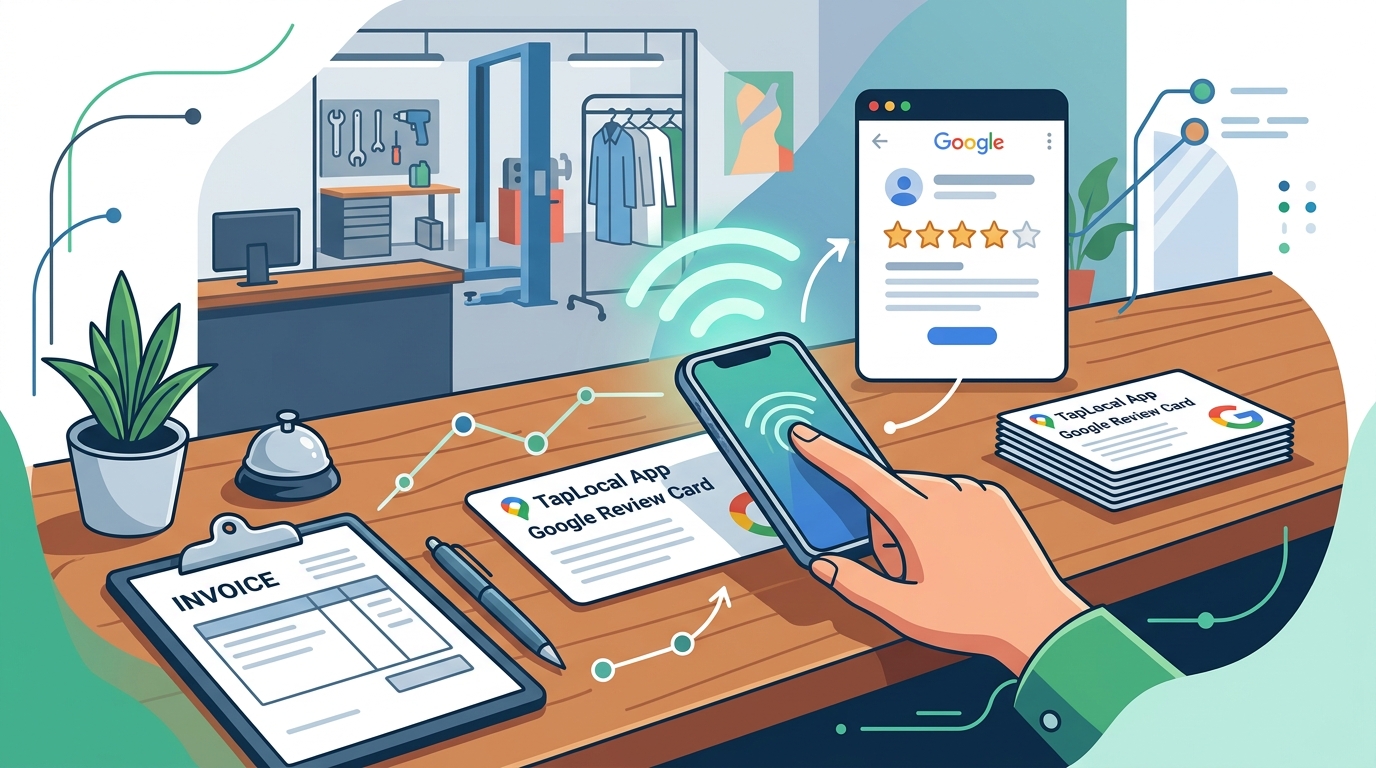
The mechanism is simple: the customer taps their phone against the NFC card or scans the QR code. This action opens the Google review page in the customer's browser. There is no app download, no account creation, and no complex navigation. The process takes less than a minute, which is critical for maintaining customer engagement.
TapLocal App installs these cards in various locations depending on the trade. For auto repair shops, the card might sit at the counter or be printed on the invoice. For house cleaners, it may be left on the counter or attached to the fridge. The placement is strategic, designed to be seen at the moment of peak satisfaction.
Benefits for Reputation Management
One of the primary benefits of using a Google Review Card is the consistency of review collection. Without a card, businesses rely on memory or manual prompts, which are often forgotten. The card provides a constant, passive reminder that works every time, regardless of staff turnover or busy schedules. This consistency leads to a steady stream of fresh reviews, which signals to potential customers that the business is active and reliable.
Additionally, the card helps in gathering detailed feedback. When customers are prompted to review, they are more likely to write about specific aspects of the service, such as punctuality, communication, or quality of work. These details are valuable for both the business and future customers, as they provide a clearer picture of what to expect.
Setting Up Your Card
Setting up a Google Review Card involves more than just printing a QR code. It requires ensuring that the Google Business Profile is optimized and verified. TapLocal App handles this setup, building or cleaning up the profile to match the business's actual service area and categories. This step is crucial because a poorly configured profile can lead to reviews being rejected or not appearing correctly.
The setup process includes verifying the business with Google, which may involve a video walkthrough for service-area businesses. Once the profile is live and verified, the card is programmed and tested. This end-to-end approach ensures that the business is ready to receive reviews from day one.
Key Takeaways
- A Google Review Card is a physical NFC or QR code tool that links directly to a Google review page.
- Service businesses need these cards to reduce friction and encourage consistent review collection.
- The card works by allowing customers to tap or scan to open the review page in their browser.
- Strategic placement of the card, such as on invoices or at job sites, maximizes its effectiveness.
- Consistent reviews signal activity and reliability to potential customers, building trust.
- Proper setup of the Google Business Profile is essential for the card to function correctly.
- TapLocal App provides a complete solution, including profile setup, card installation, and review analysis.
Frequently Asked Questions
What is the difference between a Google Review Card and a standard business card?
A standard business card contains contact information, while a Google Review Card is programmed with a link to a specific Google review page. The review card is designed to facilitate feedback, not just contact.
Do customers need an app to use a Google Review Card?
No, customers do not need to download an app. They simply tap their phone against the NFC card or scan the QR code, which opens the review page in their default web browser.
Can I use a Google Review Card if I don't have a storefront?
Yes, Google Review Cards are particularly useful for service-area businesses without a fixed address. The card can be placed on invoices, in vehicles, or left at the job site.
How does TapLocal App help with Google Review Cards?
TapLocal App sets up the Google Business Profile, installs the branded NFC and QR card, and provides a free report analyzing what customers are saying in their reviews.
Is it against Google's rules to offer incentives for reviews?
Yes, offering incentives for reviews violates Google's guidelines. TapLocal App does not use gating or incentives; the card simply makes it easy for customers to leave honest reviews.
How long does it take to set up a Google Review Card?
The setup process involves verifying the Google Business Profile and programming the card. TapLocal App handles this process, ensuring the card is tested and ready for use.
Can I track how many people use my Google Review Card?
Yes, TapLocal App provides data on card usage, allowing businesses to see how many customers are engaging with the card and leaving reviews.