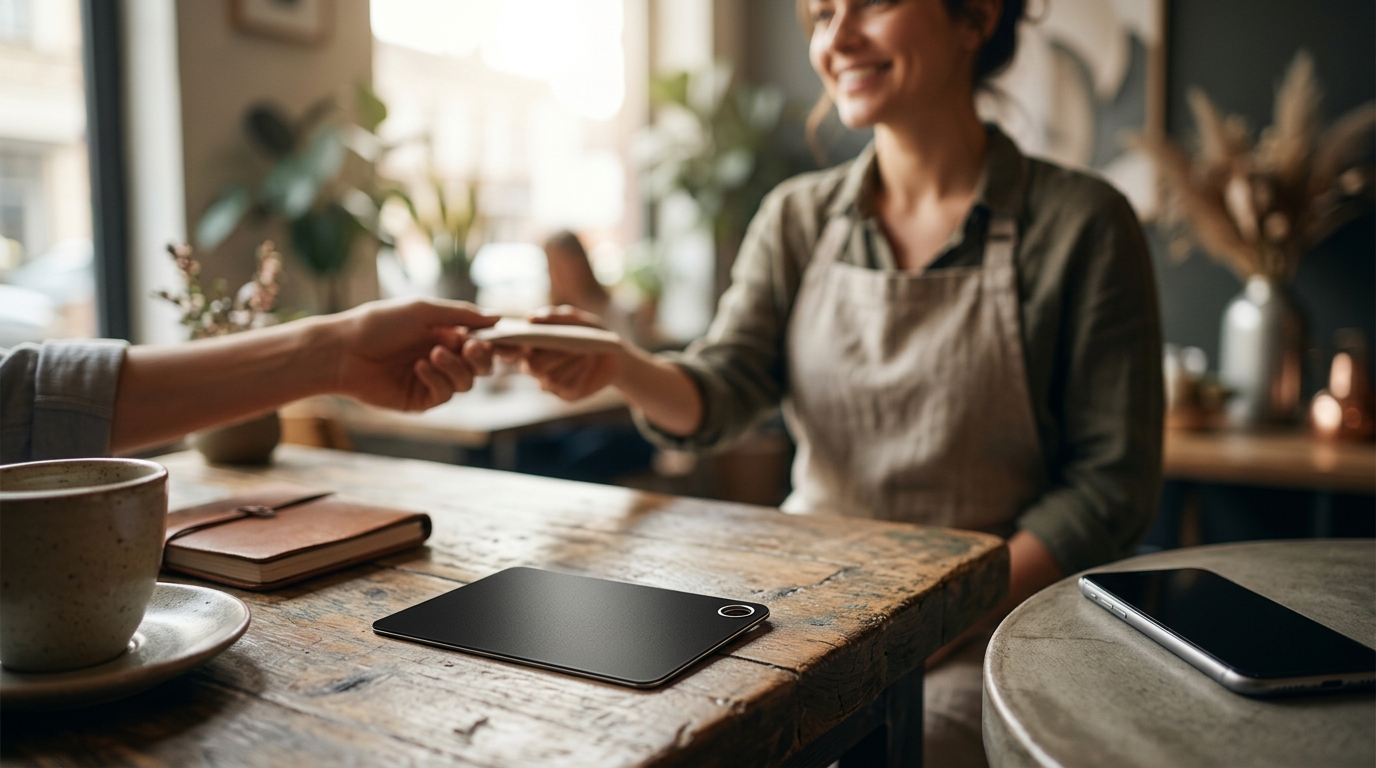
The easiest way to move a customer from your counter or truck to your Google review page is a physical NFC and QR code card. This single tap or scan opens your exact review link instantly. This guide explains how to generate that link, where to place the card, and how to analyze the results.
Review Link Generation
Generating the correct review link is the foundation of any physical review strategy. A Google review link is a unique URL that directs users to the specific review section of your Google Business Profile. If you use a generic link to your main profile, customers may get lost. You need a direct path to the review form.
Why Direct Links Matter
Customers are busy. They are often holding a coffee, a bag of groceries, or a car key. Friction kills conversion. A direct link removes the need to search for a "Write a Review" button. It takes them straight to the text box. This reduces the steps from three to one.
Generating the Link
You can generate this link manually or through a service. Manually, you log into your Google Business Profile. You click on the "Write a Review" button. You copy the URL from your browser bar. This URL is unique to your business. It contains a long string of characters that identifies your specific location. You can paste this into a QR code generator. However, manual generation has risks. If you change your profile settings, the link might break. A dedicated service like TapLocal App handles this for you. They test the link against your real profile to ensure it works before you print the card.
QR Codes vs. NFC
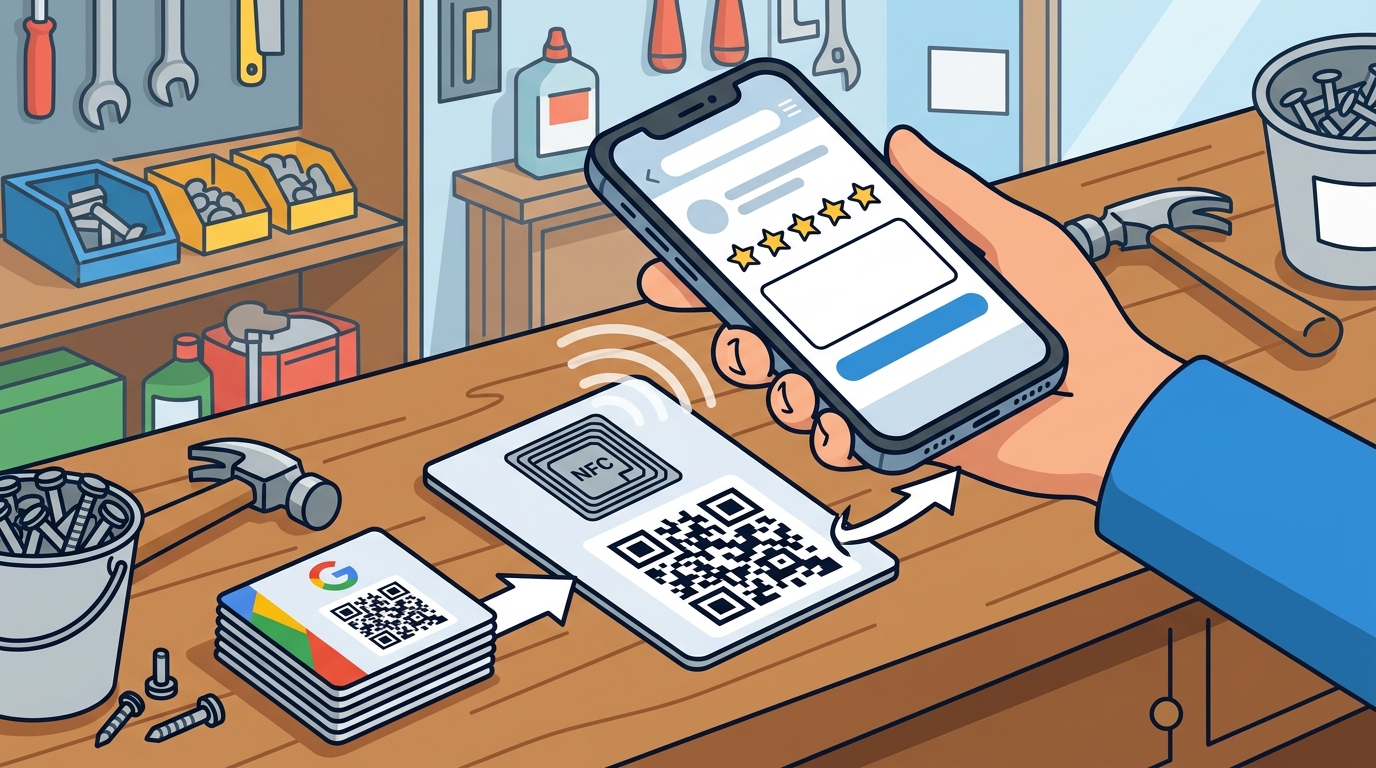
QR codes are visual. They require a camera. NFC is magnetic. It requires a phone with NFC capability. Most modern smartphones have NFC. A tap-to-review card is a physical object that combines both technologies. It has a QR code for visual scanning and an NFC chip for magnetic tapping. This dual approach ensures maximum compatibility. Whether the customer uses an iPhone or an Android, the card works. It is the most robust method for one-step review generation.
Counter and Truck Display Placement
Having the link is only half the battle. You must place the card where the customer is most likely to use it. Placement is a psychological trigger. It must appear at the moment of peak satisfaction. For a storefront, this is the counter. For a mobile business, this is the truck or the job site.
Storefront Placement Strategies
In a retail or service environment, the counter is the primary zone. The customer has just completed a transaction. They are happy. They are waiting. This is the moment to introduce the card. You can place a small stand on the register. You can print the code on the receipt. You can place a sticker on the bag. The goal is visibility without intrusion. Do not force the customer to look for it. Put it in their line of sight. A card at the mirror in a salon or a card at the pickup window in a bakery works well. It sits there quietly. The customer sees it. They tap it. They leave a review. It is that simple.
Mobile and Truck Placement
For service-area businesses, the dynamic is different. You go to the customer. You are in their home or their office. You cannot rely on a fixed counter. You need a portable solution. A card in your truck is essential. You can place it on the dashboard. You can leave it on the counter after you finish the job. For a plumber or an electrician, the invoice is a great vehicle. Print the QR code on the invoice. The customer keeps the invoice. They can scan it later when they are home and relaxed. This delayed review is often more detailed. The customer has had time to reflect on the service. The card in the truck serves as a backup. If the customer asks, "How do I leave a review?", you hand them the card. It is a physical proof of your professionalism.
The Psychology of the Handoff
Physical objects carry weight. A digital link in an email is easily ignored. A physical card in the hand is a tangible token. It says, "We value your feedback." It is a small gesture that builds trust. When you hand the card to the customer, you are not asking for a favor. You are giving them a tool. You are making it easy for them to share their experience. This shift in mindset changes the interaction. It becomes a service, not a request. Customers appreciate the ease. They are more likely to engage. The physical card bridges the gap between the service and the digital reputation.
| Business Type | Best Placement Spot | Why It Works |
|---|---|---|
| Restaurant / Cafe | Table Tent / Check Presenter | Customer is waiting for the check. High dwell time. |
| Retail Store | Register / Bagging Area | Peak satisfaction moment. Customer is leaving. |
| Mobile Mechanic | Truck Dashboard / Invoice | Customer is in their own space. Relaxed state. |
| Salon / Spa | Mirror / Checkout | Customer is admiring the result. High emotional peak. |
Key Takeaways
- A direct review link is superior to a main profile link because it reduces friction.
- NFC and QR code cards offer the highest compatibility across different phone types.
- Placement at the moment of peak satisfaction (checkout or job completion) maximizes conversion.
- Physical cards are more effective than digital links because they are tangible and persistent.
- For mobile businesses, printing the code on the invoice allows for delayed, detailed reviews.
- Never incentivize reviews with discounts or freebies, as this violates Google's policies.
- Consistency in asking for reviews builds a habit among your customers.
- Monitoring your reviews helps you identify service gaps and improve your business.
Frequently Asked Questions
Do I need an app for customers to use the card?
What if my customer does not have an NFC phone?
The card includes a QR code. They can simply scan it with their camera app. This covers the vast majority of devices, including older models and basic phones.
Is it against Google's rules to offer a card?
No. Google prohibits incentivizing reviews (like giving a discount for a 5-star review). It does not prohibit making it easy to leave a review. A card is a convenience tool, not an incentive. It is fully compliant with Google's guidelines.
How long does it take to set up?
With a service like TapLocal App, the setup is handled for you. They build the profile, generate the link, and ship the card. You just place it. The process is designed to be quick and painless.
Can I use the same card for multiple locations?
No. Each location needs its own unique review link. A card programmed for Location A will not work for Location B. You need a separate card for each distinct Google Business Profile.
How do I know if the card is working?
You can track the number of taps or scans. Many card providers offer analytics. You can also monitor your Google Business Profile for new reviews. If you see a spike in reviews after placing the card, it is working.
Should I ask customers to use the card?
You can mention it. A simple, "If you enjoyed your service, you can tap this card to leave a review" is effective. Do not be pushy. Let the card do the work. The ease of use is the primary driver.
What if I have a service-area business with no storefront?
This is exactly where the card shines. You have no counter. You have a truck. You place the card in the truck or on the invoice. It works perfectly for mobile businesses like plumbers, electricians, and cleaners.
Conclusion
Getting a customer from your counter or truck to your Google review page does not have to be complicated. It requires a direct link and a physical card. The card bridges the gap between the physical service and the digital reputation. It is a simple, effective, and compliant tool. By placing it at the right moment, you make it easy for your happy customers to share their experience. This builds your local authority and drives new business. TapLocal App provides the cards and the setup you need to get started today.