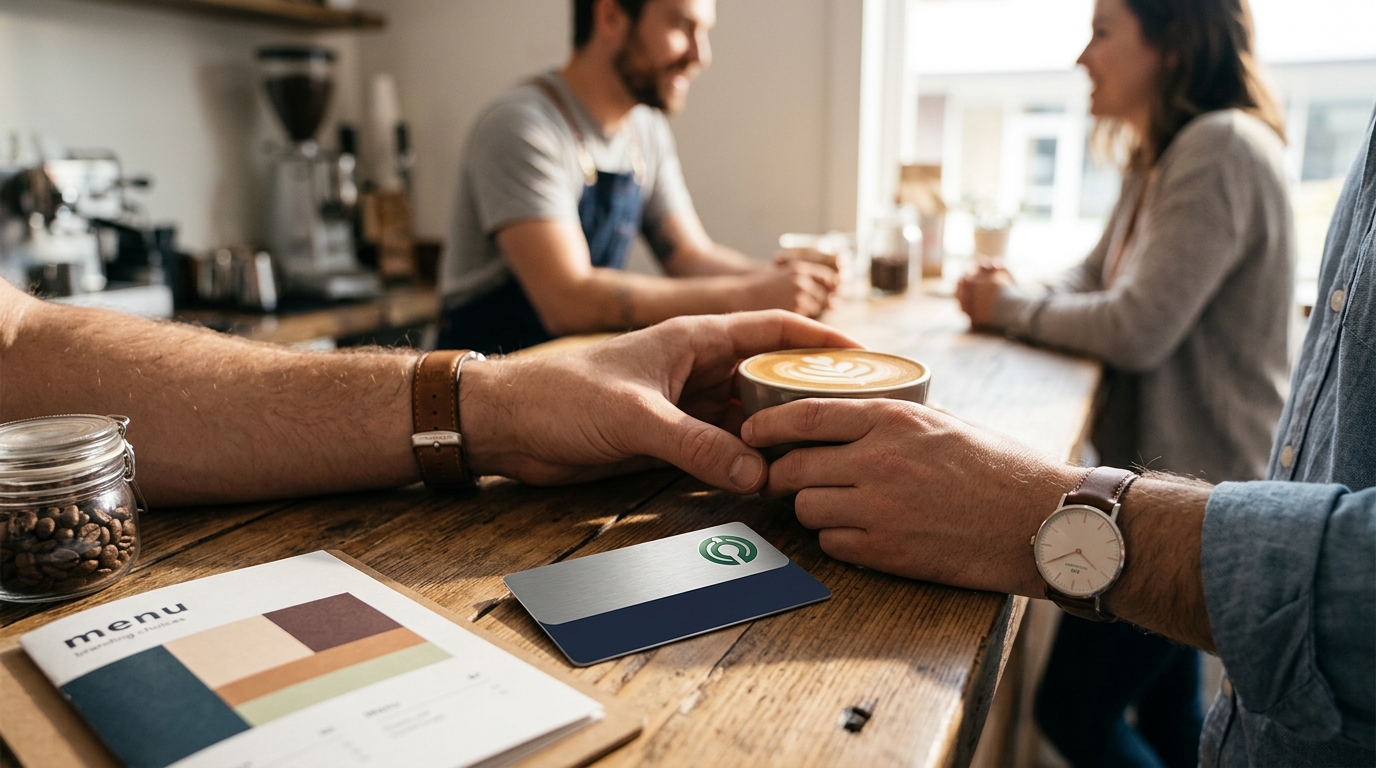
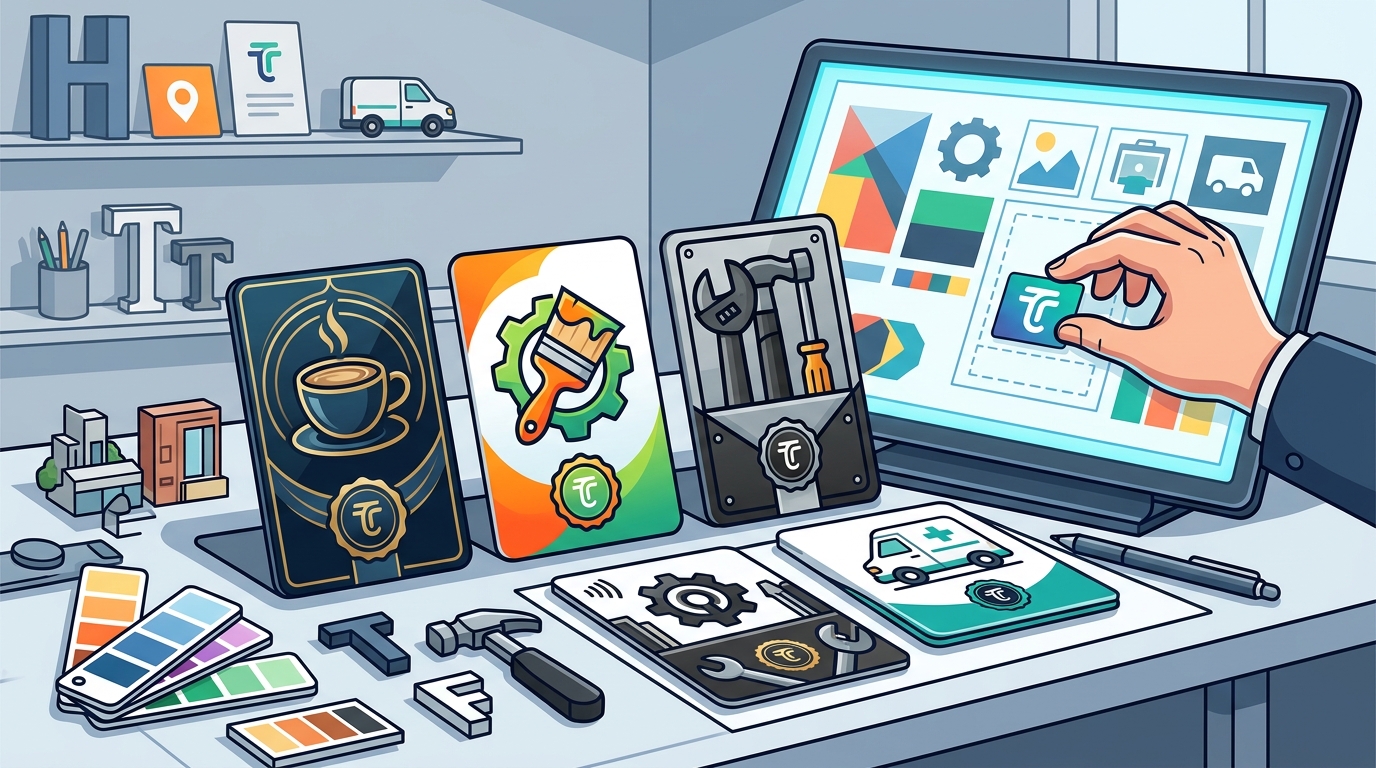
When choosing a tap-to-review card for your Google profile, you have full control over the visual identity, including your logo, brand colors, and typography. TapLocal App provides a branded NFC and QR card that reflects your specific business aesthetic. This ensures the physical card matches your storefront, vehicle, or service area branding. A cohesive design builds immediate trust with customers before they even tap the card to leave a review.
Visual Identity and Logo Placement
Your logo is the most critical element of any branded card. It serves as the primary visual anchor that connects the physical object to your digital presence. TapLocal App allows you to upload your high-resolution logo file, which is then centered or positioned according to your preference. This placement ensures that customers recognize your brand instantly. A clear, uncluttered logo design prevents confusion and reinforces brand recall.
For businesses with complex logos, simplifying the design for the card surface is often necessary. The card must remain legible from a short distance, such as across a counter or from a vehicle window. TapLocal App works with your existing brand assets to ensure the logo remains sharp and recognizable. This attention to detail distinguishes a professional service from a generic, unbranded plastic tag.
Color Schemes and Brand Consistency
Color psychology plays a significant role in how customers perceive your business. Your brand colors should be applied to the card background or accents to maintain consistency across all touchpoints. TapLocal App supports custom color matching, allowing you to use your exact Pantone or HEX codes. This ensures the card looks identical to your signage, website, and packaging. Consistent coloring creates a seamless experience for the customer.
Contrast is a key technical consideration in card design. If your logo is dark, a light background is required for visibility. TapLocal App reviews your color choices to ensure sufficient contrast for both the logo and the QR code. A low-contrast design can make the QR code difficult to scan, frustrating customers. Proper color management ensures the card functions as well as it looks.
Material Selection and Card Finish
Durability is essential for cards that will be handled frequently or exposed to the elements. Service-area businesses, such as mobile mechanics or pet sitters, need cards that withstand wear and tear. TapLocal App selects materials that protect the NFC chip and QR code over time. A durable card ensures that the review link remains functional for the life of the business relationship.
Strategic Placement and Form Factor
The form factor of the card determines where it can be effectively placed. Standard credit-card-sized cards are versatile and can be placed on counters, in check presenters, or on receipts. TapLocal App designs cards that fit into existing business workflows without requiring major changes. For businesses without a fixed storefront, the card can be attached to a vehicle or included in a service invoice. This flexibility ensures the card is visible at the moment of highest customer satisfaction.
Placement strategy is as important as the design itself. The card should be positioned where customers naturally look or interact. TapLocal App advises on optimal placement based on your specific trade. Whether it is a sticker on a coffee cup or a stand on a reception desk, the goal is to make the review process effortless. Strategic placement increases the likelihood that customers will actually use the card.
Digital Integration and Review Routing
Branding extends beyond the physical card to the digital destination. The card must route customers directly to your specific Google Business Profile review page. TapLocal App programs the NFC chip and QR code to link to your exact profile, ensuring reviews appear in the right place. This precise routing prevents reviews from being lost or attributed to the wrong business. Accurate digital integration is the core function of the branded card.
The visual design of the card should also hint at the digital action. Including a simple call to action, such as "Tap to Review," guides the customer. TapLocal App includes clear, concise text on the card to explain the process. This reduces friction and encourages participation. A well-designed card bridges the gap between the physical experience and the digital reputation.
Key Takeaways
- Logo placement is the primary visual anchor for brand recognition.
- Custom color matching ensures consistency with your existing brand assets.
- Material finish affects both aesthetic appeal and durability.
- Form factor determines the strategic placement options for your business.
- Digital routing must be precise to ensure reviews reach your specific profile.
- handles the technical setup to ensure the card functions correctly.
Frequently Asked Questions
Can I use my existing logo file for the card?
Yes, you can upload your existing logo file. TapLocal App will review the file for resolution and format compatibility to ensure it prints clearly on the card.
Do I need to provide my brand colors in a specific format?
Providing your colors in HEX or Pantone codes is recommended for accuracy. This allows TapLocal App to match your brand colors precisely on the card.
Is the card durable enough for outdoor use?
How long does it take to design and produce the card?
Production times vary based on material and finish choices. TapLocal App provides a timeline during the setup process to ensure you have the card when needed.
Can I change the design after the card is printed?
Once printed, the design is fixed. However, TapLocal App can produce new cards with updated branding if your visual identity changes in the future.
Conclusion
Your tap-to-review card is a physical extension of your brand. By choosing the right logo, colors, and materials, you create a professional tool that drives honest Google reviews. TapLocal App helps you navigate these branding choices to ensure your card reflects your business identity accurately. To start your branded card setup, visit TapLocal App.