

7 Steps to Hide Your Business Address on Google for Multi-Area Service
Many service-based businesses operate without a public storefront, yet they still need to appear in local search results. Hiding your address on Google is a specific configuration that allows your business to show up in map searches for your service area without revealing your home or office location. This process is critical for trades like plumbing, electrical, and mobile detailing. TapLocal App specializes in setting up these hidden address profiles correctly to ensure you remain visible to customers in every area you serve.
1. Select the Service Area Business Option
Choose the correct business type during the initial profile setup.
When creating or editing your Google Business Profile, you must explicitly select the option that states you serve customers in a service area. This selection is the primary trigger that allows you to hide your physical address. If you select a standard storefront option, Google will require a public address and will not allow you to hide it.
2. Define Your Service Area Accurately
Map your coverage to match where you actually work.
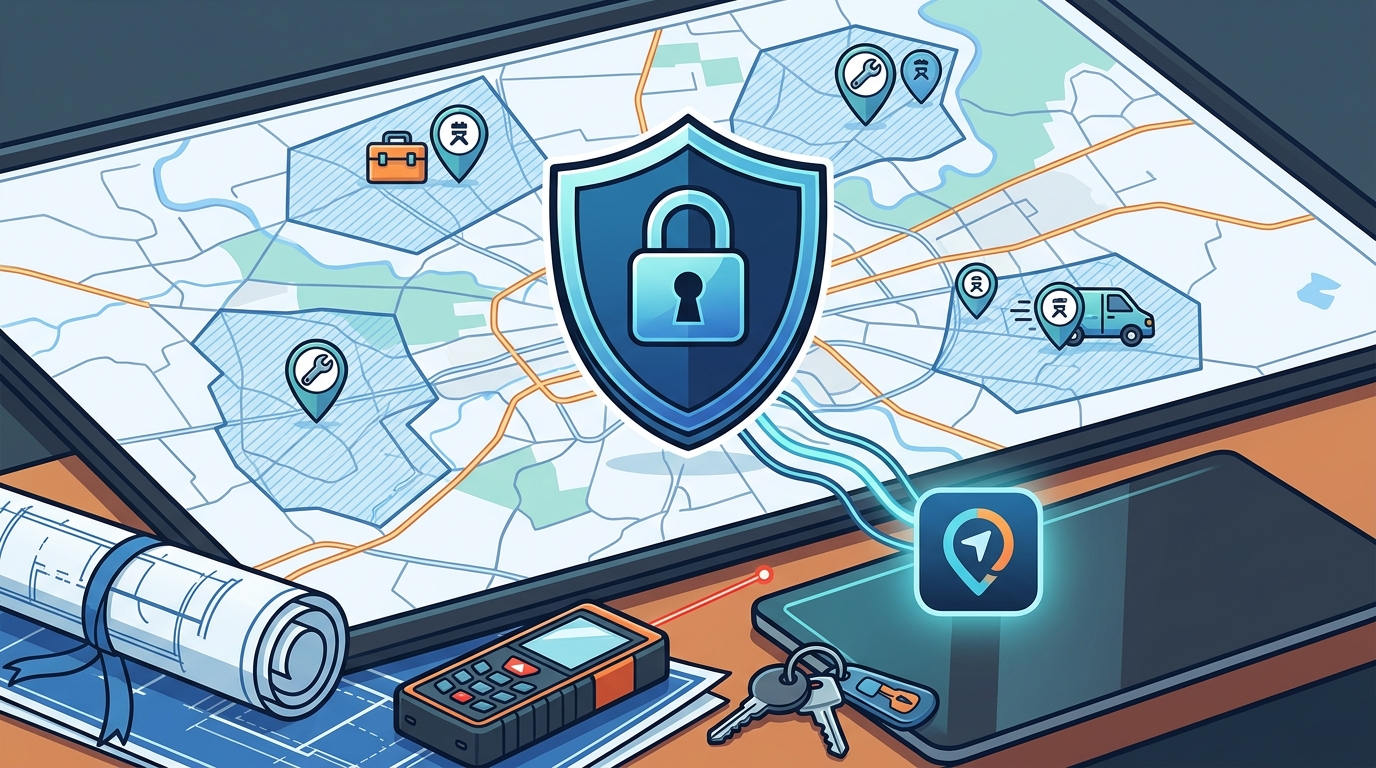
Google allows you to add multiple cities, counties, or ZIP codes to your profile. You should list the specific areas where you are willing to travel and perform work. Avoid adding areas where you do not actually operate, as this can lead to penalties or reduced visibility in search results. Accurate mapping helps Google show your business to the right potential customers.
3. Verify via Video Walkthrough
Use the video verification method to confirm your identity.
Businesses with hidden addresses typically cannot use the standard postcard verification method. Instead, Google usually requires a video walkthrough of your workspace or equipment. This process proves that you are a legitimate business operating from a non-public location. TapLocal App can walk you through this verification process to ensure your profile is approved without issues.
4. Optimize Your Primary Category
Pick the category that best describes your core service.
Your primary category is the most important factor in determining where your business appears in search results. For service-area businesses, this category should reflect the specific trade you perform, such as "Plumber" or "Mobile Mechanic." Choosing the wrong category can limit your visibility in the areas you serve. A well-chosen category helps Google understand exactly what you do and who you serve.
5. Add Secondary Categories for Additional Services
6. Use Google Posts for Daily Updates
Share your current location or schedule via Google Posts.
Since your address is hidden, you can use Google Posts to share where you are working that day or to announce your availability. This is particularly useful for businesses that move from job to job, such as food trucks or mobile detailers. Regular posts keep your profile active and provide customers with up-to-date information about your services.
7. Collect Reviews from Your Service Area
Encourage customers in your service area to leave reviews.
Reviews are a key ranking factor for local search, especially for businesses without a physical storefront. Customers who have used your services in your defined service area can leave reviews that help build your reputation. TapLocal App provides NFC and QR code cards that make it easy for customers to leave honest reviews on your Google profile, helping you build trust in every area you serve.
Choosing the Right Approach
When setting up a hidden address profile, the most important step is to ensure your service area accurately reflects where you work. If you are unsure about the best categories or how to define your service area, consider working with a specialist. TapLocal App helps local businesses set up their Google Business Profiles correctly, ensuring they are visible in all the areas they serve without compromising their privacy.
Frequently Asked Questions
Can I hide my address if I have a storefront?
No, if you have a physical storefront where customers can visit, you must display your address. The hidden address option is only available for service-area businesses that do not have a public location.
How many areas can I add to my service area?
Google allows you to add multiple cities, counties, or ZIP codes. There is no strict limit, but you should only add areas where you actually provide services. Adding too many areas can reduce your visibility in each one.
Will hiding my address hurt my local SEO?
Not if done correctly. Google is designed to show service-area businesses in local search results. In fact, having a well-optimized service-area profile can help you rank higher in the areas you serve compared to businesses with a single fixed address.
Do I need a separate profile for each location?
If you have multiple physical offices, you need a separate profile for each one. However, if you are a mobile business that travels to customers, you only need one profile with a hidden address and a defined service area.
How does TapLocal App help with this process?
TapLocal App sets up your Google Business Profile with a hidden address and defines your service area accurately. We also help you with verification and provide tools to collect reviews from customers in your service area.