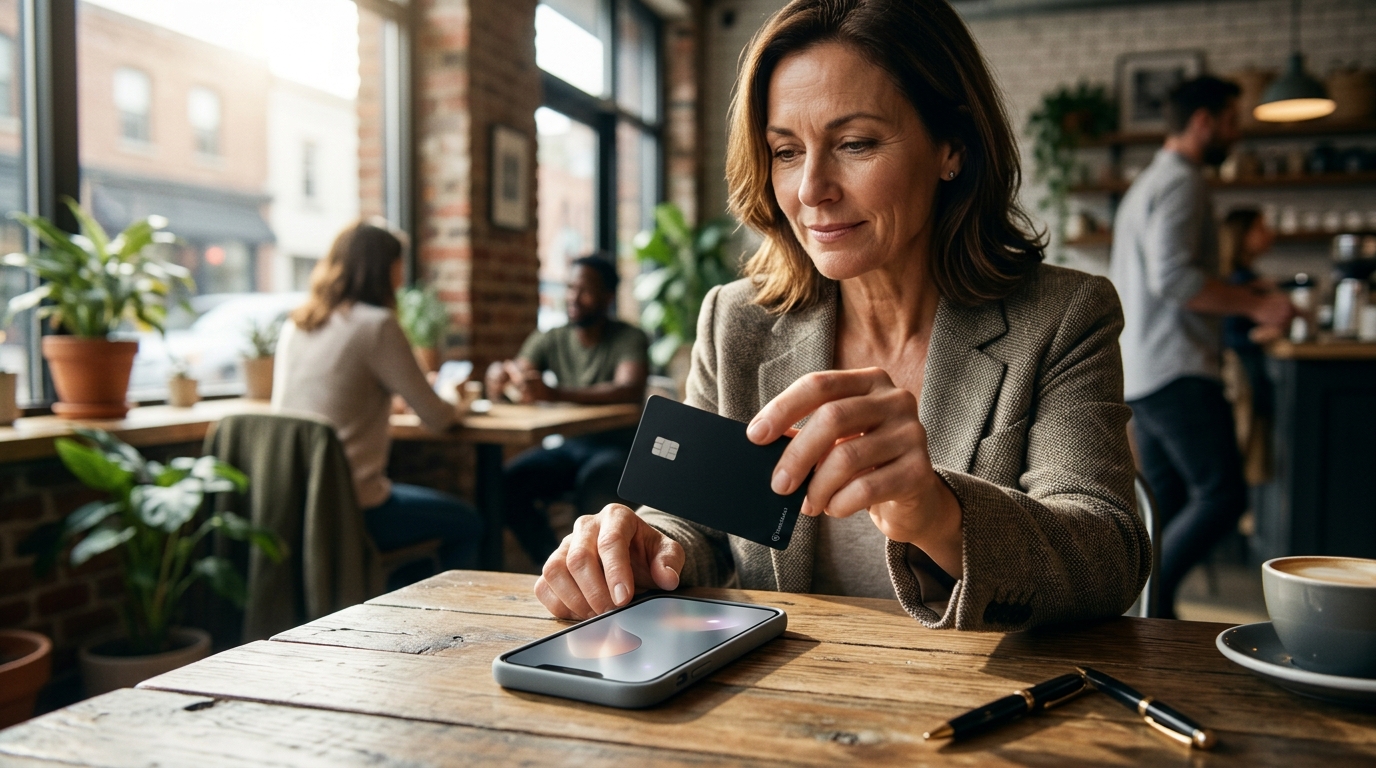
Setting up NFC and QR cards for Google reviews involves programming a physical card to link directly to your Google Business Profile review page. This allows customers to tap or scan the code to leave feedback instantly. TapLocal App specializes in this exact setup, ensuring your card is tested and ready for use in any business environment.
Understanding the Technology
Near Field Communication (NFC) is a short-range wireless technology that enables data exchange between devices when they are brought close together. For a business, an NFC card is a physical object that, when tapped against a smartphone, triggers a specific action, such as opening a web page. This technology is distinct from a standard QR code, which requires a user to open a camera app and scan a visual pattern. By combining both technologies on a single card, you accommodate different user preferences and device capabilities.
The core function of these cards is to bridge the gap between a physical interaction and a digital action. When a customer taps the card, their phone should immediately open the specific URL for your Google reviews. This eliminates the friction of searching for your business name in the Google Maps app, which is a common reason customers fail to leave a review. The card acts as a direct shortcut, reducing the steps required to provide feedback from several to just one.
Preparing Your Google Profile
Before you can program a card, your Google Business Profile must be fully claimed and verified. Verification is the process by which Google confirms that you own the business location or service area. For storefronts, this often involves a postcard or video verification, while service-area businesses typically use video verification. If your profile is not verified, the review link will not function correctly, and customers will be unable to submit their feedback.
Once verified, you need to locate the direct review link for your specific profile. This link is unique to your business and should not be confused with a general Google Maps search link. TapLocal App assists with this step by ensuring the profile is set up correctly, including the right categories and service areas. A correctly configured profile ensures that the review link is stable and that the reviews appear in the right place on your listing.
Programming the Card
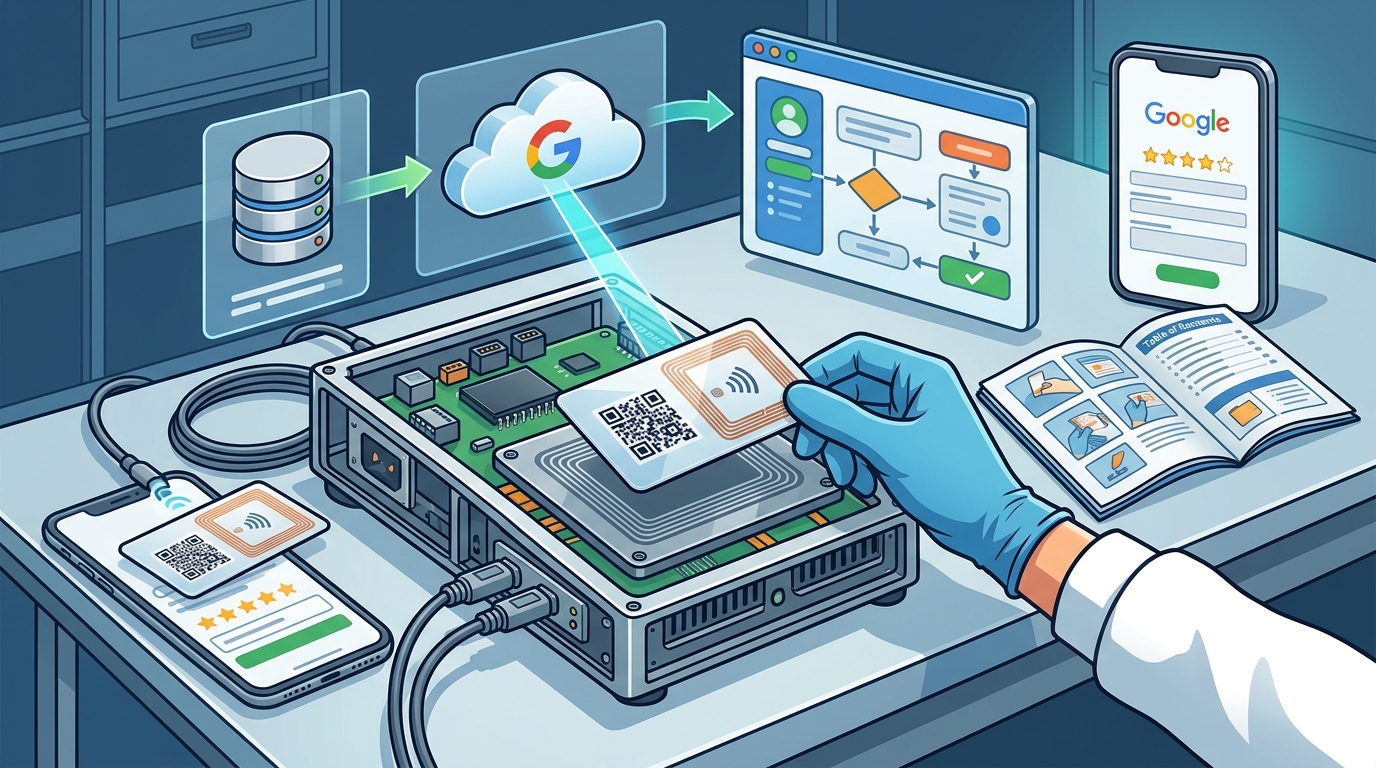
Programming the card involves writing the specific URL to the NFC chip and generating the QR code image. The URL must be the direct link to your Google review page, not your website or a social media profile. When you tap the card, it should send the phone to the review interface where the user can select a star rating and write a comment. The QR code serves the same purpose but requires a visual scan. Both elements should point to the exact same destination to ensure consistency.
Placement Strategies
The location of the card determines how often it is used. For businesses with a physical storefront, the card should be placed at the point of sale or on the counter where customers are waiting. This is the moment when they are most engaged with your service and most likely to leave a review. For service-area businesses, such as cleaners or contractors, the card can be left on the customer's counter, fridge, or included in the invoice. The goal is to place the card where the customer will see it after the service is complete.
Consistency in placement is key to building a habit. If the card is always in the same spot, customers will recognize it and know what it does. You do not need to ask for a review verbally; the card serves as a silent prompt. This approach respects the customer's time and avoids the awkwardness of a scripted ask. By making the review process easy and visible, you increase the likelihood that happy customers will take the extra step to share their experience.
Collecting and Analyzing
Once the cards are in place, reviews will begin to accumulate. The volume of reviews may increase as customers become familiar with the card. It is important to monitor these reviews regularly to respond to feedback and address any issues. A steady stream of reviews signals to potential customers that your business is active and trusted. The content of the reviews provides valuable insights into what customers value most about your service.
TapLocal App provides a free Intelligence Report that analyzes what your existing reviews actually say. This report highlights patterns in praise and complaints, helping you understand where to focus your improvements. By combining the ease of the NFC and QR card with data-driven insights, you create a feedback loop that drives continuous improvement. The card collects the data, and the report helps you make sense of it, ensuring that your business evolves based on real customer experiences.
Key Takeaways
- NFC and QR cards provide a direct link to your Google review page, reducing friction for customers.
- Your Google Business Profile must be claimed and verified before the card can function correctly.
- Test the card with multiple phone models to ensure compatibility with both NFC and QR scanning.
- Place the card at the point of sale or leave it with the customer after a service visit.
- Use the card as a silent prompt rather than a scripted verbal ask to maintain a natural interaction.
- Monitor reviews regularly and use data to identify areas for improvement in your service.
Frequently Asked Questions
Do I need a specific app for the NFC card to work?
No, the NFC card works with the native capabilities of modern smartphones. When tapped, it opens a web link directly in the browser or the Google Maps app. No additional software installation is required for the customer.
Can I use the same card for multiple locations?
Each location should have its own unique Google Business Profile and, therefore, its own unique review link. You should use a separate card for each location to ensure reviews are attributed to the correct place.
What if a customer does not have an NFC-enabled phone?
The QR code on the card serves as a backup. Customers can use their phone's camera to scan the code, which will open the same review link. This ensures that all customers, regardless of their device, can leave a review.
How long does it take to set up the cards?
Once your Google profile is verified, programming the cards is a quick process. TapLocal App handles the setup and testing, ensuring the cards are ready for immediate use in your business.
Will the card work if I am not near a Wi-Fi connection?
Yes, the card uses the customer's mobile data or Wi-Fi connection to open the link. As long as the customer's phone has an internet connection, the card will function correctly.