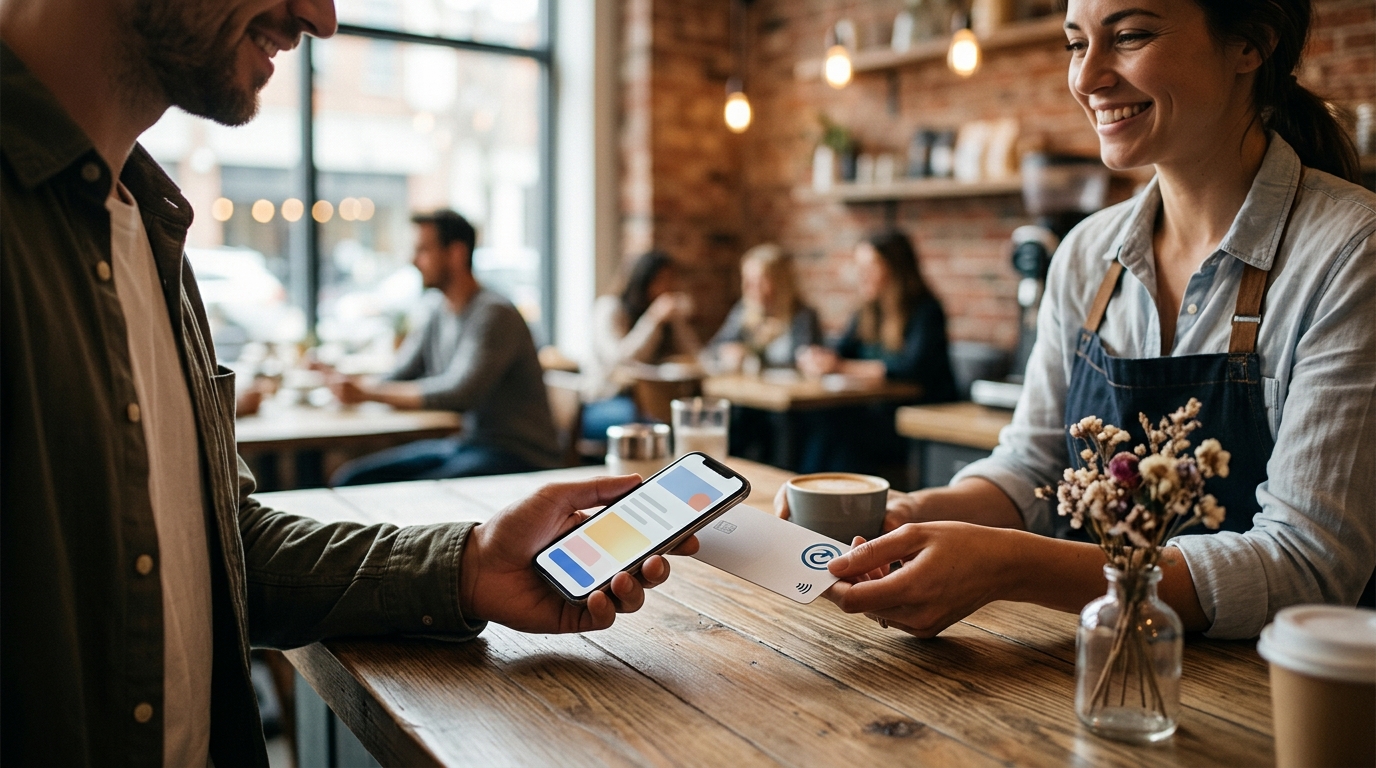
NFC review cards are physical tap-to-review tools that let customers open your Google review page instantly using their smartphone. TapLocal App provides these cards to local businesses, removing the friction of typing URLs or searching for your name. This guide explains the technology, the setup process, and why this method drives more honest feedback for your business.
The Technology Behind Tap-to-Review
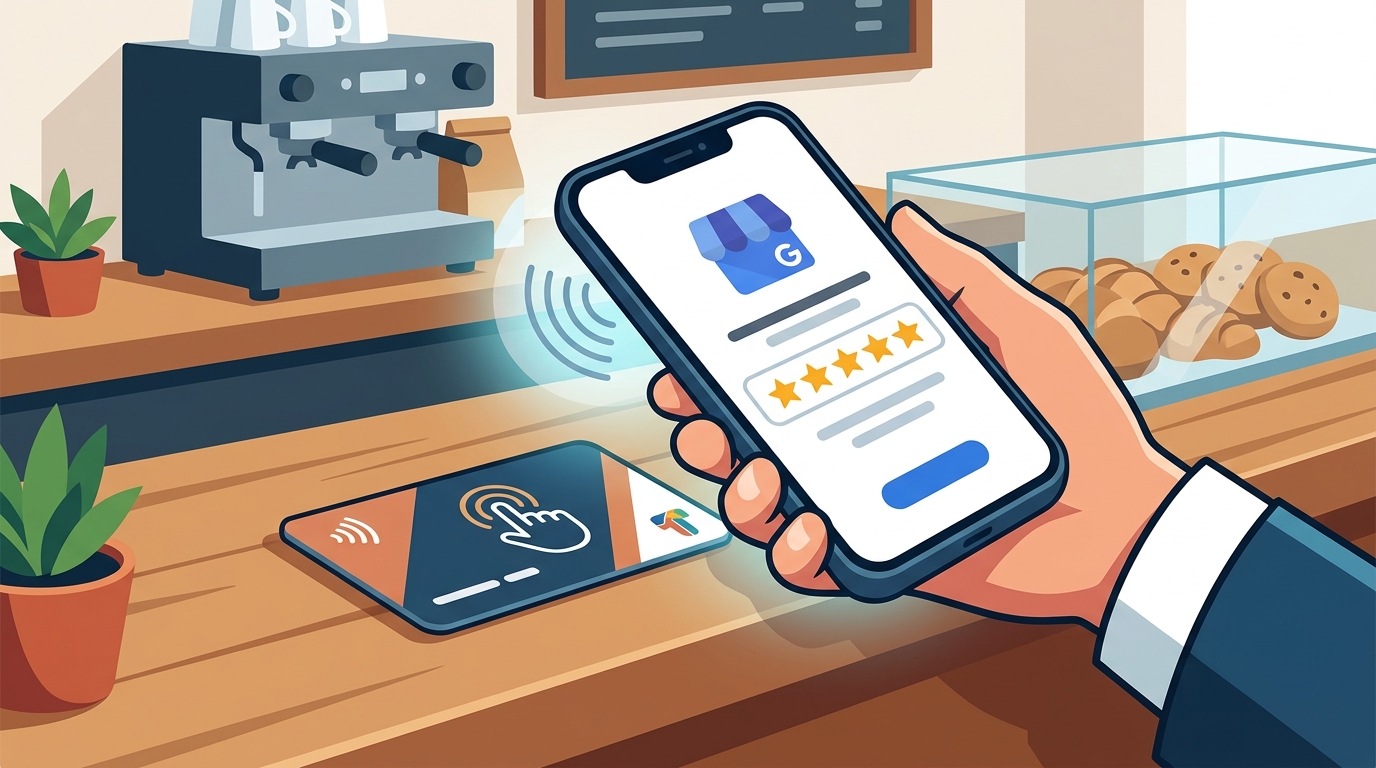
Near-field communication (NFC) is a short-range wireless technology that enables data exchange between devices when they are placed within a few centimeters of each other. Research on NFC payment solutions highlights how this technology allows for quick and smooth interactions, a principle that applies directly to review collection. When a customer taps their phone against the card, the device reads the embedded data and redirects the browser to a specific web address. In the context of local business marketing, an NFC review card is a physical medium that bridges the gap between an in-person visit and a digital action. This eliminates the need for customers to search for your business name in the Google Maps app, a process that often leads to abandonment.
How the Setup Process Works
Implementing an NFC review card requires precise configuration to ensure the link functions correctly. TapLocal App handles the technical setup by programming the card to point directly to your specific Google Business Profile review page. The process begins with verifying your Google Business Profile to ensure it is claimed and optimized. Once the profile is active, the card is programmed with the unique URL for your reviews. This ensures that when a customer taps the card, they land on the exact page where they can leave a rating and comment. The card is then placed in high-visibility areas, such as the checkout counter, the waiting room, or on the receipt. This placement strategy ensures the customer has the card in hand at the moment they are most likely to want to share their experience.
Why Friction Kills Review Rates
Customer behavior data suggests that the ease of an action directly correlates with its completion rate. Traditional methods of asking for reviews, such as verbally asking a customer to search for your business, introduce significant friction. A customer who has to unlock their phone, open the Google Maps app, type your name, and find the review button is likely to stop at the first step. An NFC review card reduces this process to a single tap. This simplicity is the primary reason why tap-to-review methods outperform manual requests. By removing the cognitive load of searching, you increase the likelihood that a happy customer will actually leave a review. This is particularly important for service-area businesses that do not have a physical storefront where a sign could be seen.
Integrating Cards with Your Business Workflow
The effectiveness of an NFC review card depends on how it fits into your daily operations. For a coffee shop, the card might sit at the pickup counter where customers are waiting for their drinks. For a dental practice, it could be placed at the checkout desk after the appointment is complete. The key is to position the card where the customer is already interacting with your business. TapLocal App designs the card placement based on the specific trade of the business. This ensures the card is visible at the moment of peak satisfaction. Additionally, the card serves as a constant reminder for customers who may not have had time to review during their visit. They can tap it later, at home, when they have more time to write a detailed review. according to Near Field Communication
Measuring Success and Understanding Feedback
Collecting reviews is only half of the value proposition; understanding them is the other. TapLocal App provides a free Intelligence Report that analyzes the content of your existing Google reviews. This report identifies common themes, such as specific services praised or issues mentioned. By using an NFC review card, you increase the volume of reviews, which in turn provides more data for the report. This data helps you make informed decisions about your business operations. For example, if multiple reviews mention a specific employee by name, you can recognize their excellent service. If complaints mention a particular process, you can address it directly. This feedback loop creates a cycle of improvement that benefits both the business and its customers.
Key Takeaways
- NFC review cards use short-range wireless technology to open your Google review page with a single tap.
- Reducing friction from searching to tapping significantly increases the rate of review completion.
- TapLocal App handles the technical setup, ensuring the card links to the correct Google Business Profile.
- Strategic placement of the card at checkout or pickup points maximizes visibility and usage.
- The free Intelligence Report analyzes review content to provide actionable business insights.
- This method works for both storefront and service-area businesses, regardless of physical location.
Frequently Asked Questions
Do customers need a special app to use the NFC card?
No, customers do not need to download any app. The NFC card works with the standard NFC reader built into most modern smartphones. When tapped, it opens the review page in the customer's default web browser.
What if a customer's phone does not support NFC?
TapLocal App cards include a QR code alongside the NFC chip. Customers with phones that do not support NFC can simply scan the QR code with their camera to reach the same review page.
How long does it take to set up the card?
The setup process is handled by TapLocal App and typically takes a few days. This includes verifying your Google Business Profile and programming the card with the correct link.
Can I use the card for multiple locations?
Yes, each location can have its own card programmed with the specific review link for that location. This ensures reviews are attributed to the correct branch of your business.
Is there a cost for the customer to use the card?
No, the card is free for customers to use. They are simply tapping their phone to open a web page, which does not incur any data or service charges beyond standard internet usage.
How does this differ from just asking for a review?
Asking for a review relies on the customer remembering your name and searching for it later. An NFC card provides a direct, physical link that makes the action immediate and effortless.