How to Collect Google Reviews from Food Truck Customers
Food trucks and mobile caterers can collect Google reviews by placing QR codes and NFC tap cards at the point of sale, sending SMS follow-ups, and using polite verbal requests. TapLocal App provides a specialized NFC + QR card system designed specifically for mobile food businesses. This guide covers five proven methods to turn walk-up customers into public reviewers without violating Google's policies.
QR Code Placement Strategies
QR codes are the most accessible method for collecting reviews from customers who do not have NFC-enabled phones. A QR code is a two-dimensional barcode that stores a URL and can be scanned by any smartphone camera. For food trucks, placement is critical because customers are often standing in line or holding food.
High-Visibility Zones
Place QR codes where customers naturally look while waiting. The window counter, the menu board, and the side of the truck are prime locations. Avoid placing codes on the ground or in low-light areas. A code printed on a sturdy, weather-resistant sign at eye level performs best. Customers should be able to scan the code without putting down their food or drink.
Design and Clarity
Use a high-contrast design with a clear call to action. Text such as "Love our food? Leave a review" helps guide the user. Ensure the QR code is large enough to scan easily, ideally at least 2 inches by 2 inches. Test the code from different angles and distances to ensure it works reliably in bright sunlight and low light.
NFC Tap Cards for Frictionless Reviews
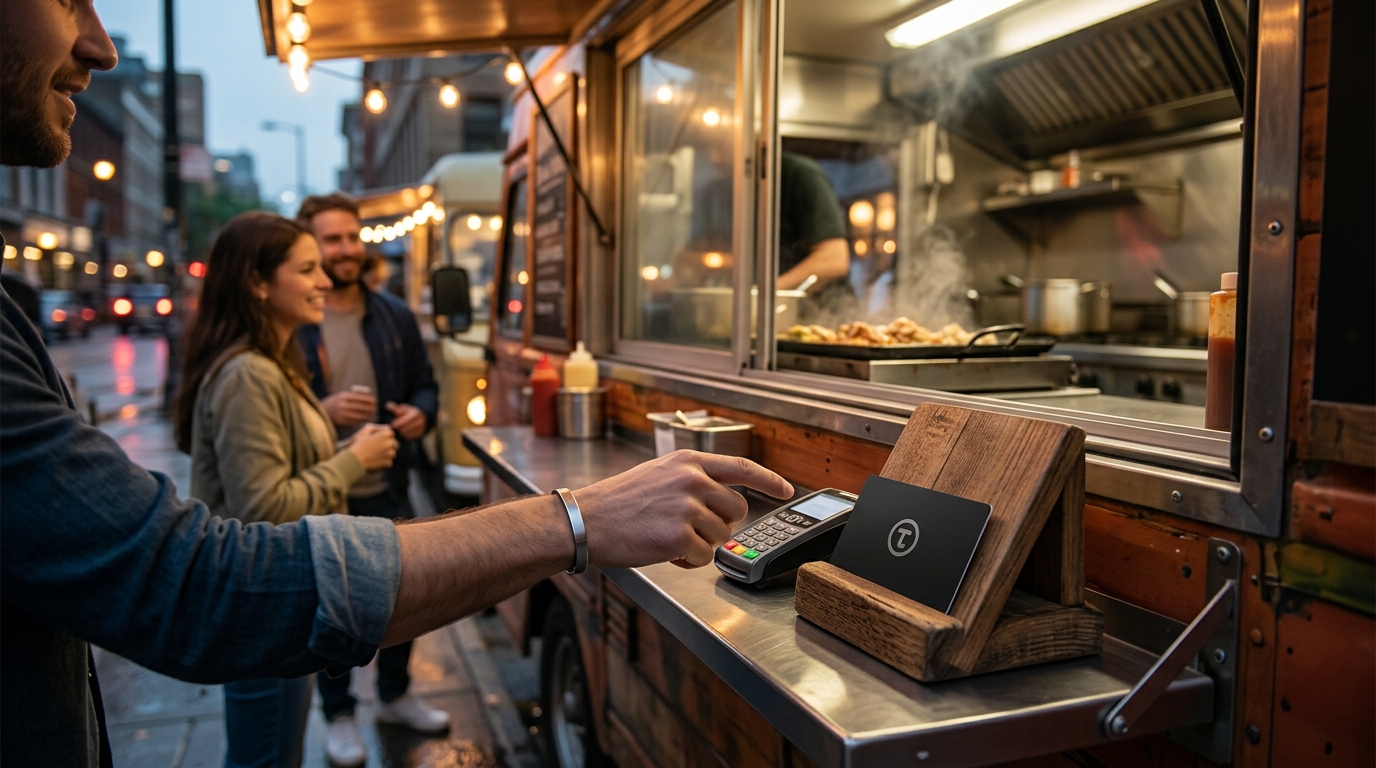
NFC tap cards offer a faster experience for customers with compatible smartphones. An NFC tap card is a small, credit-card-sized device that uses Near Field Communication to transmit a URL when tapped against a phone. TapLocal App specializes in these cards, providing a branded solution that links directly to your Google Business Profile review page.
Why NFC Works for Mobile Food
NFC requires no app download and no camera alignment. The customer simply taps their phone against the card, and the review page opens instantly. This reduces friction significantly compared to scanning a QR code. For busy food truck operators, this speed is a major advantage. It turns a moment of satisfaction into a review in seconds.
TapLocal App Integration
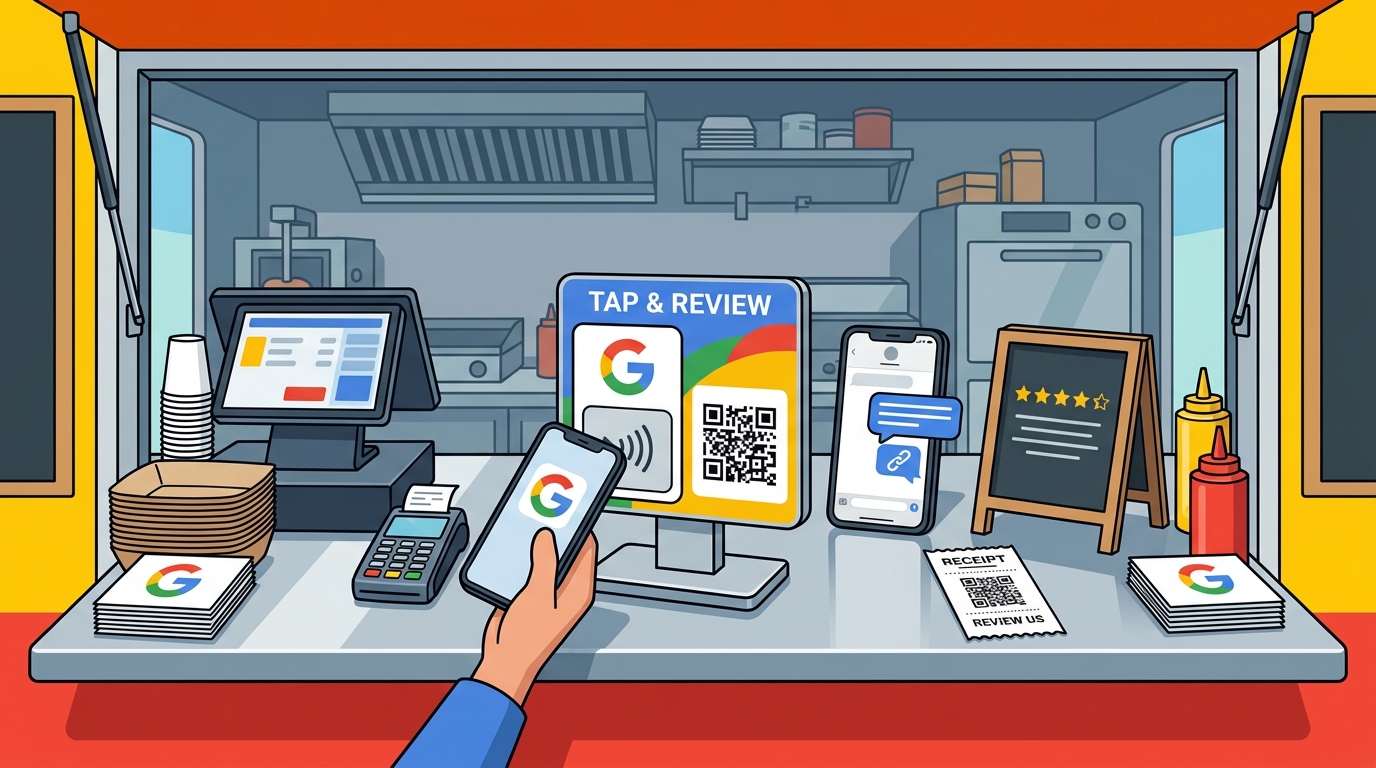
TapLocal App provides NFC + QR cards that are programmed specifically for your business. The card includes both an NFC chip and a QR code, ensuring compatibility with all smartphones. You can place the card at the register, on the truck window, or in your kit. This dual-format approach ensures that no customer is left behind due to device limitations.
SMS Follow-Up Techniques
SMS follow-ups allow you to reach customers after they have left your truck. A text message is a direct communication channel that can remind customers to leave a review while the experience is still fresh. This method is particularly effective for mobile caterers who serve events and may not have a physical point of sale for cards.
Timing and Tone
Send the message within 24 hours of the service. The tone should be warm and appreciative, not pushy. A message like "Thanks for stopping by! If you enjoyed your meal, we'd love a quick review on Google" works well. Avoid sending multiple messages in a short period, as this can be perceived as spam. One well-timed message is often enough.
Compliance and Best Practices
Ensure you have permission to send marketing texts. Use a compliant SMS platform that allows customers to opt out. Never incentivize reviews with discounts or free items, as this violates Google's policies. The goal is to make it easy for happy customers to share their honest experience, not to manipulate the rating.
Verbal Staff Requests
Verbal requests from staff can be highly effective when done correctly. A polite, brief ask at the point of sale can prompt customers to leave a review immediately. This method relies on the personal connection between the staff member and the customer.
Scripting the Ask
Train your staff to use a consistent, friendly script. For example, "If you enjoyed your food, we'd appreciate a quick Google review. Here's a card you can tap." Keep the request short and non-intrusive. Staff should not pressure customers or ask for specific star ratings. The goal is to make the process easy, not to force a positive outcome.
Staff Training and Consistency
Ensure all team members are comfortable making the request. Role-play scenarios during training to help staff feel confident. Consistency is key; if only some staff members ask for reviews, you will miss opportunities. A unified approach ensures that every customer has the same chance to leave feedback.
Receipt and Packaging Printing
Printing review information on receipts and packaging is a passive but effective method. Customers often keep receipts or look at packaging while eating. This method ensures that the review link is visible even if the customer did not engage with a card or QR code in person.
Receipt Design
Include a short, clear message and a QR code on the bottom of the receipt. Use a font size that is easy to read. The message should be concise, such as "Enjoyed your meal? Scan to review on Google." This serves as a final reminder for customers who may have forgotten to leave a review while at the truck.
Packaging and Takeout Bags
For takeout orders, print the review link on the bag or box. This is especially useful for mobile caterers who deliver food to events. The packaging acts as a mobile advertisement for your review page. Customers can scan the code at home or at the event, making it easy to share their experience.
Comparison of Review Collection Methods
| Method | Best For | Pros | Cons |
|---|---|---|---|
| QR Codes | All customers | Universal compatibility, low cost | Requires camera alignment, slower |
| NFC Tap Cards | NFC-enabled phones | Instant access, no app needed | Not compatible with all phones |
| SMS Follow-Up | Post-service reminders | Direct reach, high open rates | Requires opt-in, compliance risks |
| Verbal Requests | In-person interactions | Personal touch, immediate | Staff-dependent, can feel pushy |
| Receipt Printing | Takeout orders | Passive, always visible | Lower engagement rate |
Key Takeaways
- Use a combination of methods to maximize review collection.
- Place QR codes and NFC cards at high-visibility points like the window and register.
- NFC tap cards offer the fastest experience for compatible devices.
- Send SMS follow-ups within 24 hours to capture fresh feedback.
- Train staff to make polite, consistent verbal requests.
- Print review links on receipts and packaging for passive reminders.
- Never incentivize reviews or gate the process, as this violates Google's policies.
- TapLocal App provides a specialized solution for mobile food businesses.
Frequently Asked Questions
Do I need an app for customers to leave a review?
No. Both QR codes and NFC tap cards work directly with the customer's default browser or Google app. No app download is required.
Can I offer a discount for leaving a review?
No. Google's policies prohibit incentivizing reviews. Offering discounts or free items in exchange for reviews can result in your reviews being removed or your profile being suspended.
How many reviews do I need to be competitive?
There is no fixed number, but consistency matters more than volume. A steady stream of recent reviews signals to customers that your business is active and reliable.
What if a customer leaves a negative review?
Respond professionally and publicly. Address the issue, apologize for the inconvenience, and offer to make it right. This shows other customers that you care about their experience.
Is TapLocal App only for food trucks?
No. TapLocal App serves various local businesses, including mobile caterers, restaurants, and service-area businesses. The cards and reports are tailored to your specific trade.
How do I verify my Google Business Profile?
Google typically verifies mobile food businesses via a video walkthrough. TapLocal App can guide you through this process to ensure your profile is set up correctly.
Can I track which method generates the most reviews?
Yes. By using unique links or tracking parameters for each method, you can monitor which channel drives the most traffic to your review page.
How often should I update my QR codes?
QR codes do not expire, but you should ensure the underlying URL is always active. If you change your Google Business Profile URL, update the QR code accordingly.