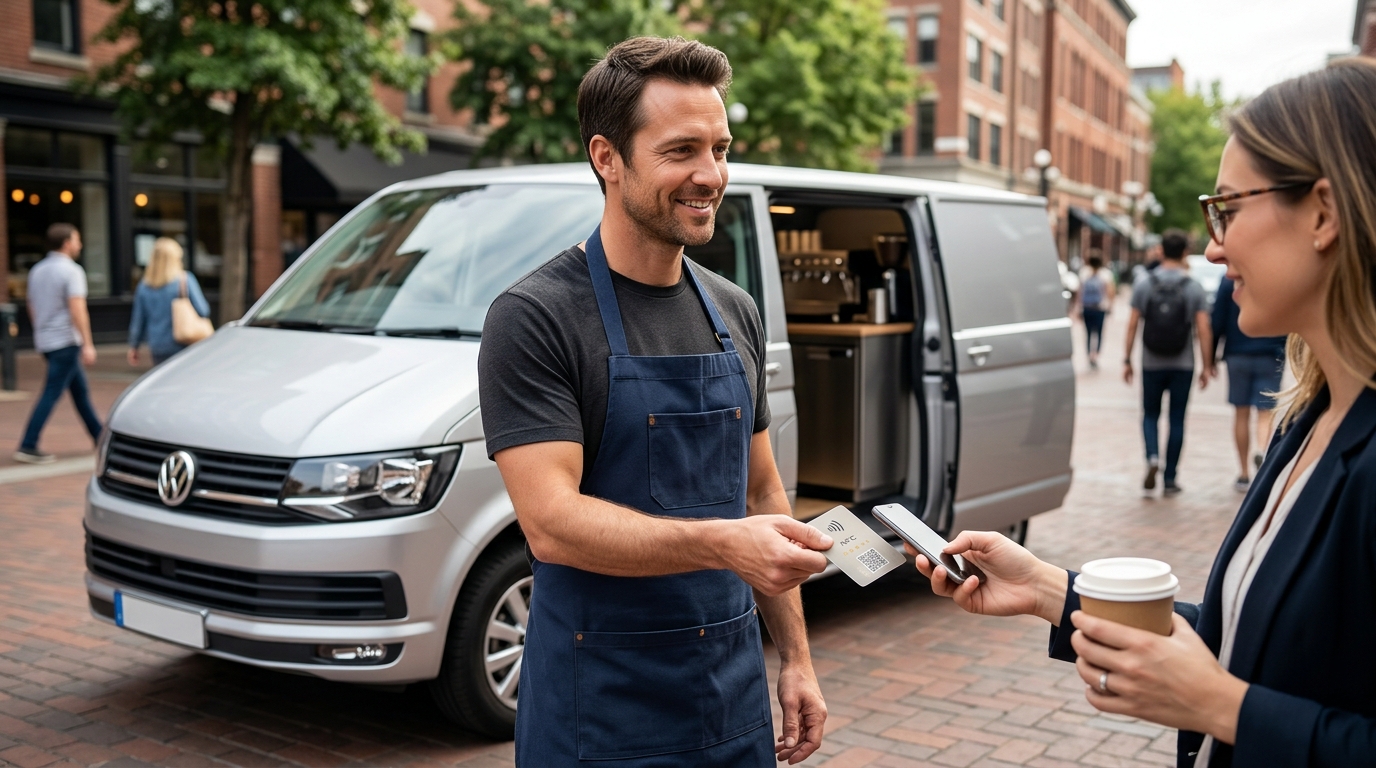
Yes, Google review cards work effectively for businesses without a physical storefront. TapLocal App designs NFC and QR code cards specifically for service-area businesses, ensuring your digital presence remains visible and accessible. This guide covers the technical implementation, verification processes, and strategic benefits of using tap-to-review technology for mobile and home-based operations.
NFC and QR Card Implementation
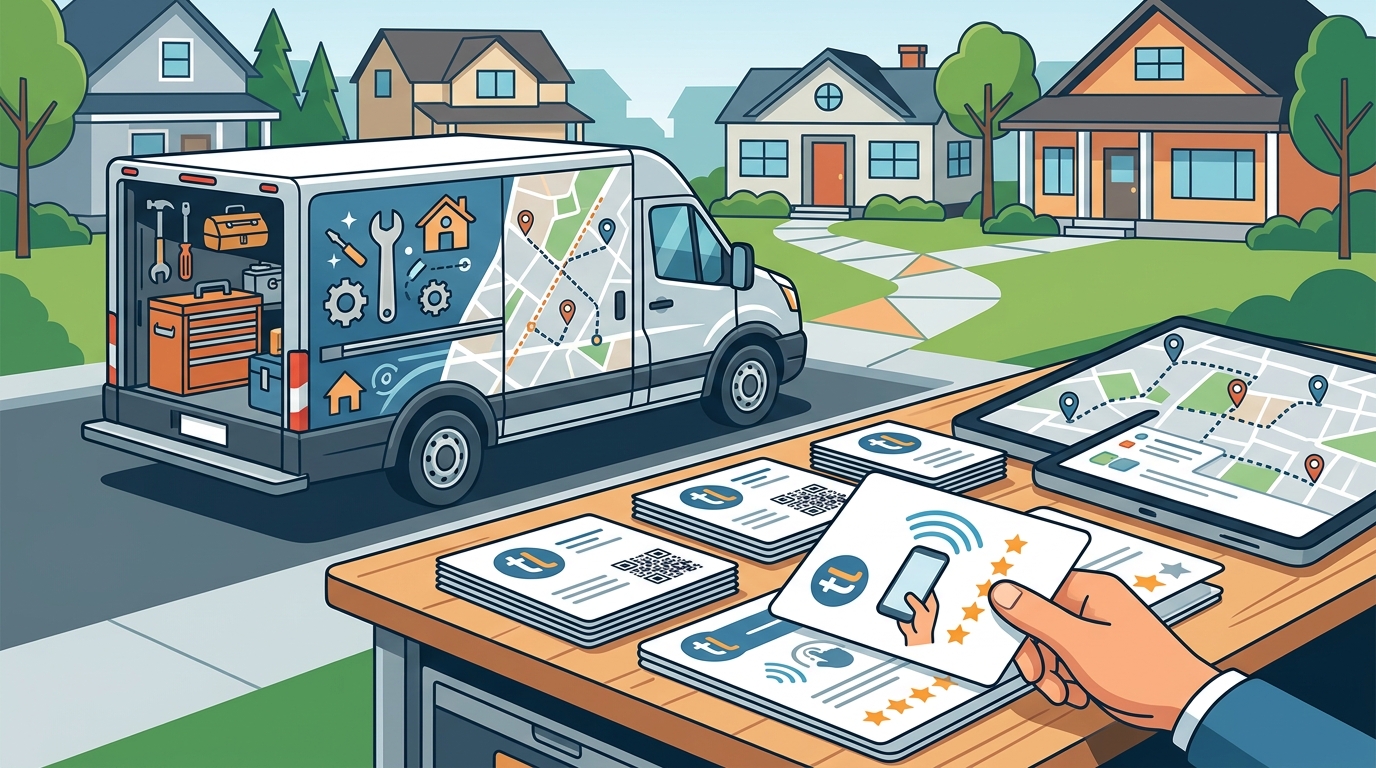
Implementing a review card for a business without a storefront requires a different approach than traditional retail. A service-area business is a company that provides services at customer locations rather than a fixed physical address. Because these businesses lack a permanent pin on the map, the review card must be integrated into the workflow of the service itself. TapLocal App provides branded NFC and QR cards that are programmed to link directly to your specific Google Business Profile review page.
Technical Setup
The card acts as a bridge between the physical interaction and the digital review. When a customer taps the NFC card or scans the QR code, their device opens the Google review interface directly. This eliminates the friction of searching for your business name, which is a common barrier for mobile services. The technology works on both iOS and Android devices without requiring the customer to download a specific app.
Hardware Durability
For trades like plumbing, electrical, or landscaping, the card must withstand the elements. The hardware is designed to be durable enough for placement on trucks, toolboxes, or invoices. Unlike a static sign in a window, a mobile card travels with the technician, ensuring the review prompt is present at the moment of service completion.
Google Business Profile Verification
Before a review card can function, the Google Business Profile must be verified. For service-area businesses, Google typically requires a video verification rather than a mailed postcard. This process confirms that the business is legitimate and operating within its stated service area. TapLocal App guides business owners through this verification process, ensuring the profile is set up correctly to avoid being flagged as incomplete or fake.
Service Area Definition
Defining the service area is critical for visibility. You must specify the cities, counties, or zip codes where you operate. Google does not allow a single pin for a service-area business; instead, it displays a general service region. Accurate definition ensures that when customers search for services in your coverage area, your profile appears in the local pack.
Address Privacy
One of the primary benefits of the service-area profile is privacy. Your home address or base location remains hidden from the public. Only the service area is displayed. This is particularly important for home-based businesses, such as cottage food producers or mobile pet groomers, who need to maintain security while still being discoverable online.
Strategic Placement for Mobile Businesses
The effectiveness of a review card depends on when and where it is presented. For businesses without a storefront, the