
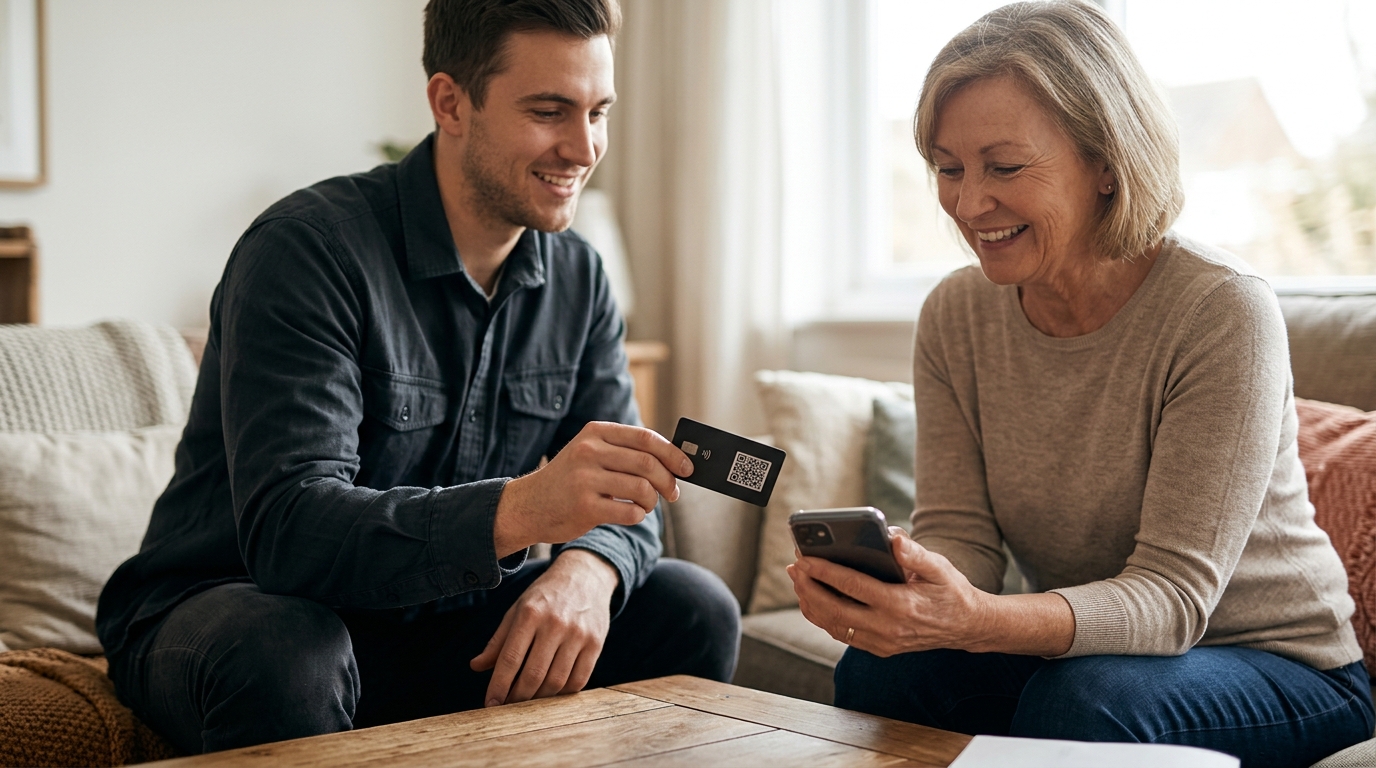
Yes, Google review cards work effectively for businesses without a physical storefront. TapLocal App designs NFC and QR code cards specifically for service-area businesses, ensuring your digital profile is optimized for mobile users. This guide covers the technical implementation, profile setup, and strategic placement of these cards for mobile and home-based operations.
NFC and QR Card Implementation
A Google review card is a physical or digital tool that directs customers to a business's review page with minimal friction. For businesses without a storefront, the implementation relies on two primary technologies: Near Field Communication (NFC) and Quick Response (QR) codes. NFC allows a customer to tap their smartphone against the card to open the review page instantly. QR codes serve as a universal fallback, allowing customers to scan the code with their camera app if their phone does not support NFC.
Hardware Durability and Design
Service-area businesses often operate in harsher environments than traditional retail shops. A food truck window or a landscaping trailer is subject to weather, dust, and physical wear. TapLocal App provides durable, branded cards designed to withstand these conditions. The card must be robust enough to remain legible and functional over time, ensuring that the review link remains accessible regardless of the working conditions.
The Frictionless User Experience
The core value of the card is the reduction of user friction. A customer does not need to search for the business name in the Google Maps app, which is a common point of failure. Instead, the card provides a direct path to the review interface. This direct link is critical for mobile businesses where the customer interaction is brief and transient, such as at a pickup window or a job site.
Service-Area Profile Setup
Before a review card can function, the business must have a correctly configured Google Business Profile. For businesses without a storefront, this is known as a service-area business profile. This profile type hides the physical street address from the public map view, displaying only the service area instead. This distinction is vital because it aligns the digital presence with the actual operational model of the business.
Defining the Service Area
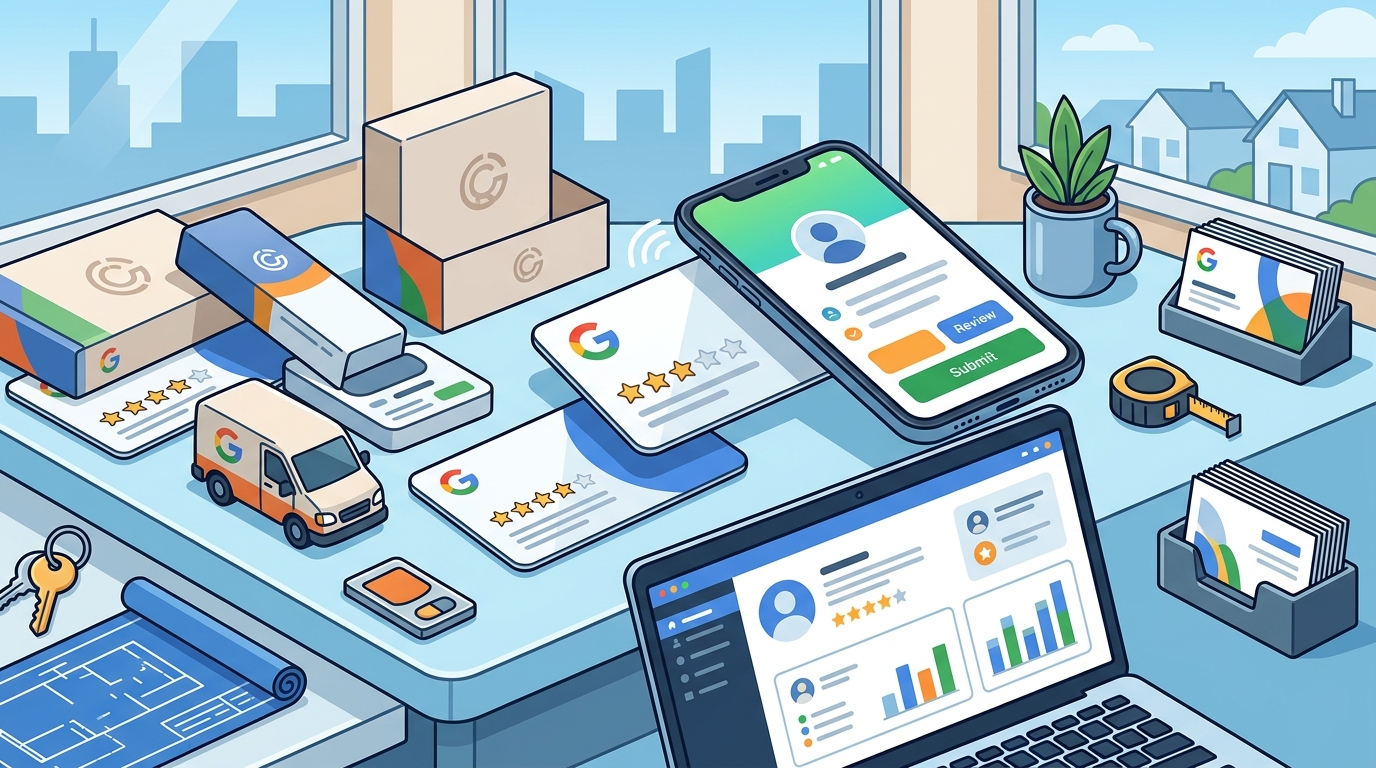
Setting up the service area requires defining the specific cities, counties, or zip codes where the business operates. This is not a single map pin but a defined territory. Accurate definition ensures that the business appears in local searches for those specific regions. TapLocal App assists in mapping this territory to match the actual coverage area, preventing the common error of using a single, inaccurate location pin.
Category Selection and Accuracy
Google requires businesses to select specific categories that describe their services. For mobile businesses, such as food trucks or mobile mechanics, the category must reflect the actual service provided. For example, a food truck may not have a specific "Food Truck" category in all regions, so the profile is matched to the specific cuisine or service type. This accuracy helps the algorithm understand the business context and display it to the right audience.
Strategic Placement for Mobile Businesses
Placement is the most critical variable for businesses without a storefront. In a brick-and-mortar shop, the card might sit at the register. In a mobile operation, the card must be placed where the customer's attention is already focused. The goal is to capture the moment of satisfaction without requiring the customer to ask for a review.
Placement by Trade Type
Different trades require different placement strategies. For a food truck, the card is placed at the window or on the counter where customers wait for their order. For a mobile mechanic or electrician, the card is often printed on the invoice or placed on the truck itself. For a home baker or cottage food producer, the card is included in the packaging or handed over at the pickup point. Each placement is designed to be visible and accessible at the moment of transaction.
The "No Awkward Asking" Principle
Many business owners hesitate to ask for reviews because it feels intrusive. The card solves this by making the request passive. The customer sees the card and decides for themselves whether to leave a review. This autonomy is essential for maintaining honest feedback. TapLocal App emphasizes that the card is a tool for ease, not a script for solicitation. It allows the business to benefit from positive feedback without compromising the integrity of the review process.
The Verification Process
Google requires all business profiles to be verified to ensure legitimacy. For service-area businesses, the verification process differs from that of storefront businesses. Since there is no physical address to verify via a mailed postcard, Google typically uses a video verification method. The business owner records a short video showing their setup, such as the inside of a truck, a home kitchen, or a mobile workstation.
Video Verification Walkthrough
The video must clearly show the business environment and, in some cases, proof of ownership or operation. This process is designed to prevent fake listings. TapLocal App walks business owners through this process, ensuring that the video meets Google's requirements. This guidance is particularly important for home-based businesses, such as cottage food producers, who may be concerned about privacy. The video verifies the business without publicly exposing the home address.
Handling Shared Addresses
Some businesses, such as mobile stylists or dentists in shared offices, may operate from a location that is also used by other businesses. In these cases, verification can be more complex. The business may need to demonstrate a distinguishable presence at the shared address. TapLocal App helps navigate these scenarios, ensuring that the profile is verified correctly and that reviews are tied to the specific individual or business entity rather than the shared location.
Leveraging the Intelligence Report
Once reviews begin to accumulate, the next step is understanding what they say. TapLocal App provides a complimentary Intelligence Report, which is a plain-English analysis of the business's public Google reviews. This report is not a pitch or a sales tool; it is a courtesy analysis that helps the business owner understand their reputation.
Identifying Recurring Themes
The report identifies recurring themes in the reviews, such as specific services praised, staff members mentioned, or common complaints. For a service-area business, this insight is invaluable. For example, a plumbing business might discover that customers frequently mention upfront pricing as a positive factor. This information allows the business to lean into its strengths and address weaknesses proactively.
Actionable Insights
The report provides concrete next steps based on the analysis. It is not a statistical study but a practical guide for improvement. By understanding what customers value, the business can refine its operations and marketing. This feedback loop is essential for long-term growth and reputation management. The report is built solely from the business's own public reviews, ensuring that the insights are relevant and specific to their unique operation.
Key Takeaways
- Google review cards are highly effective for service-area businesses when paired with a correctly configured service-area profile.
- NFC and QR codes provide a frictionless way for customers to access the review page without searching for the business name.
- Service-area profiles hide the physical address and display the service area, aligning the digital presence with the operational model.
- Strategic placement of the card at the point of transaction is critical for capturing reviews in mobile and home-based businesses.
- Video verification is the standard method for service-area businesses, ensuring legitimacy without exposing private addresses.
- The TapLocal Intelligence Report provides actionable insights by analyzing recurring themes in public reviews.
- Businesses should avoid incentivizing or gating reviews to maintain the integrity of their reputation.
- Consistency in review collection and analysis is more important than a single large effort.
Frequently Asked Questions
Do I need a fixed address to get a Google profile?
No. Service-area businesses do not need a fixed public address. You set up a profile that hides your base address and defines your service area instead.
How does verification work for a mobile business?
Google typically uses a video verification method for service-area businesses. You record a short video of your setup, such as a truck or home kitchen, to prove legitimacy.
Can I use a review card for a home-based business?
Yes. The card can be included in packaging or handed over at pickup. The profile will hide your home address and show your service area.
Does the card work if my phone doesn't have NFC?
Yes. The card includes a QR code that can be scanned with any smartphone camera, serving as a universal fallback for NFC.
What is the TapLocal Intelligence Report?
It is a complimentary, plain-English analysis of your public Google reviews. It identifies recurring themes and provides actionable insights for improvement.
Do you incentivize reviews?
No. TapLocal App does not buy, gate, filter, or incentivize reviews. The card simply makes it easier for customers to leave honest feedback.